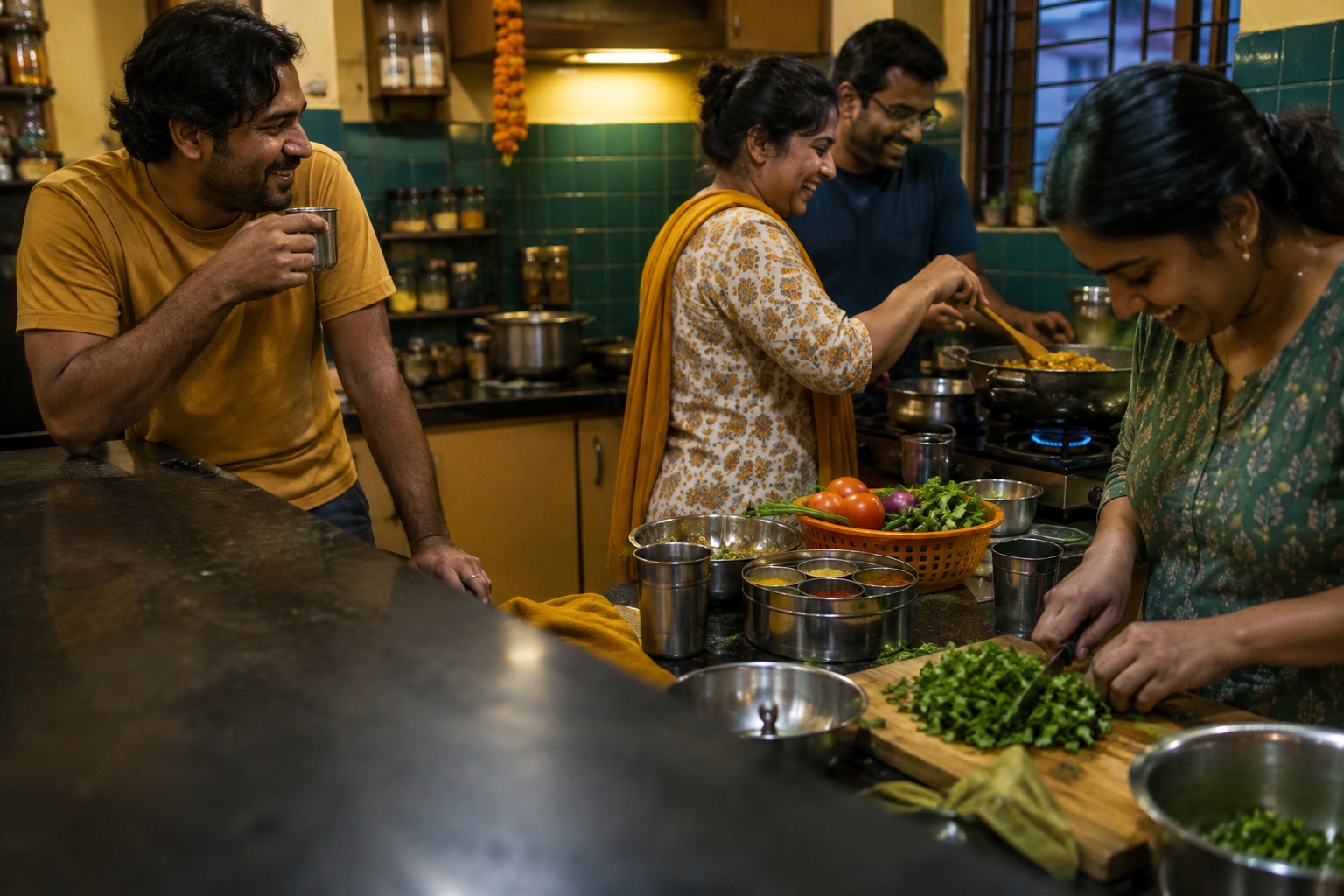
Four friends cooking dinner together in an apartment kitchen

From a WhatsApp code to dinner on Thursday.

There's no email or password, and nobody asks for a photo.

Join BackBy10

Sign in and pick your city

Type your number and a six-digit code arrives on WhatsApp. That code is the whole login. Then pick your city. BackBy10 opens one city at a time, so if yours isn't open yet, you can ask for it.

If you have a partner, they sign up on their own number and you link the two accounts. After that one RSVP can cover you both.
Say what you're into

Go down the list of activities and mark each one: Into, Open to, or Never.

Other members see what you're into. Your Nevers stay private, so nobody has to know you'd rather walk into the sea than go running at six in the morning.

Post a plan, or say yes to one

Anyone can host. A plan has a time, a place and a number of spots, plus the answers the host has to give: who it's for, whether kids are welcome, drinking and smoking. Evening plans also say whether they end by ten or may run late.

See one you like and tap In. If it's full, you go on the waitlist. Hosts can approve people one by one, and a home address is only shown to the people they've accepted.

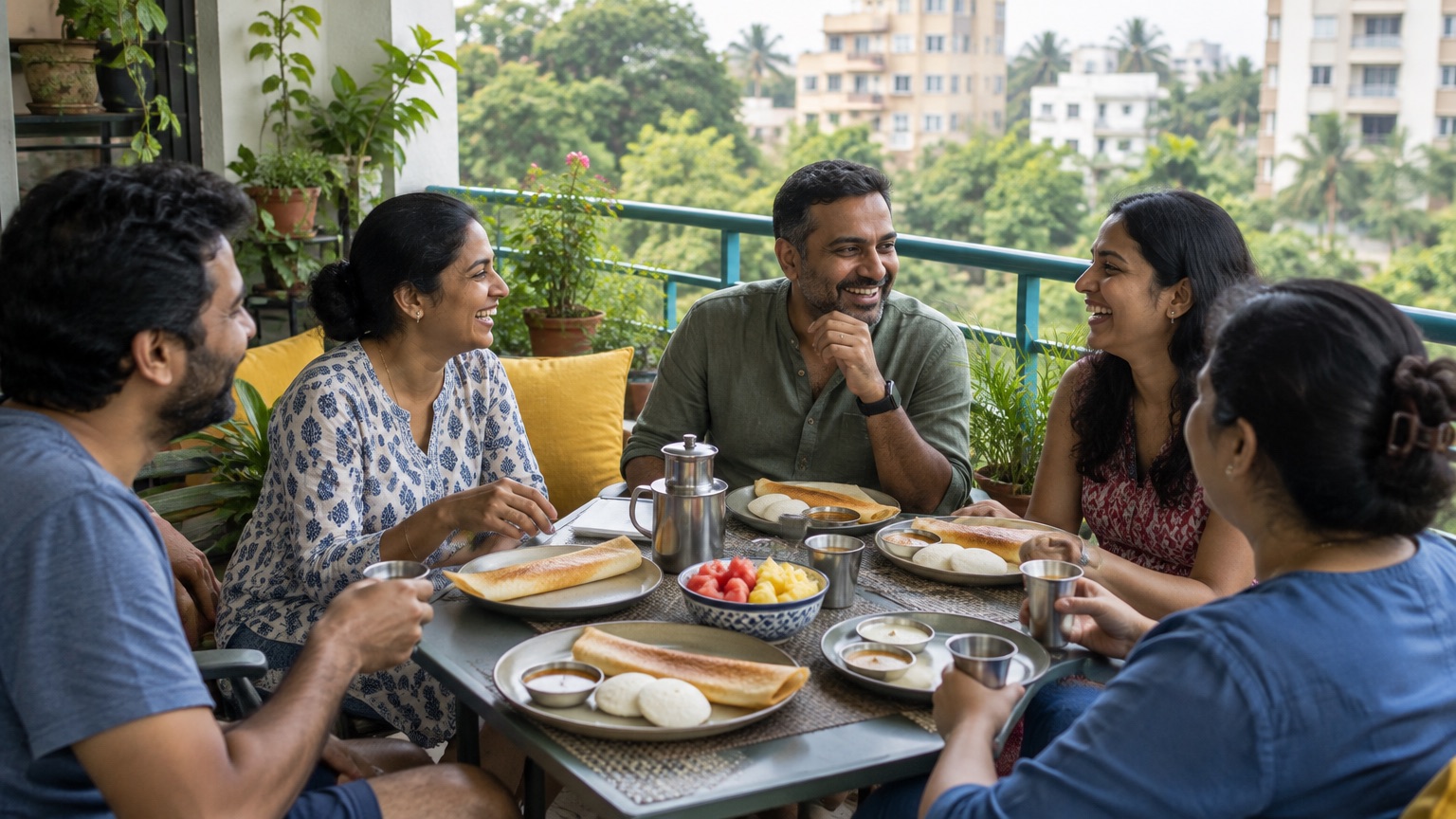
Five friends having brunch on an apartment balcony

Sort out the details in the plan's chat

Each plan gets one chat for the host and the people going. Use it for who's bringing dessert and who's running late.

There are no direct messages anywhere in the app. A plan's chat goes read-only a week after the plan starts, and the messages are deleted after thirty days.

Add it to your home screen

BackBy10 is a web app, so there's no app store involved. Add it to your home screen and turn on alerts for new plans and replies.

If you skip that, reminders and plan changes come on WhatsApp instead.

Start with step one

Your phone number is never shown to other members, hosts or admins.